
Troubleshooting
While configuring, deploying, and managing the NetScaler managed application, you might come across some actionable errors. This topic covers a few such errors and their solution.
Policy permissions associated with the cloud access profile are obsolete
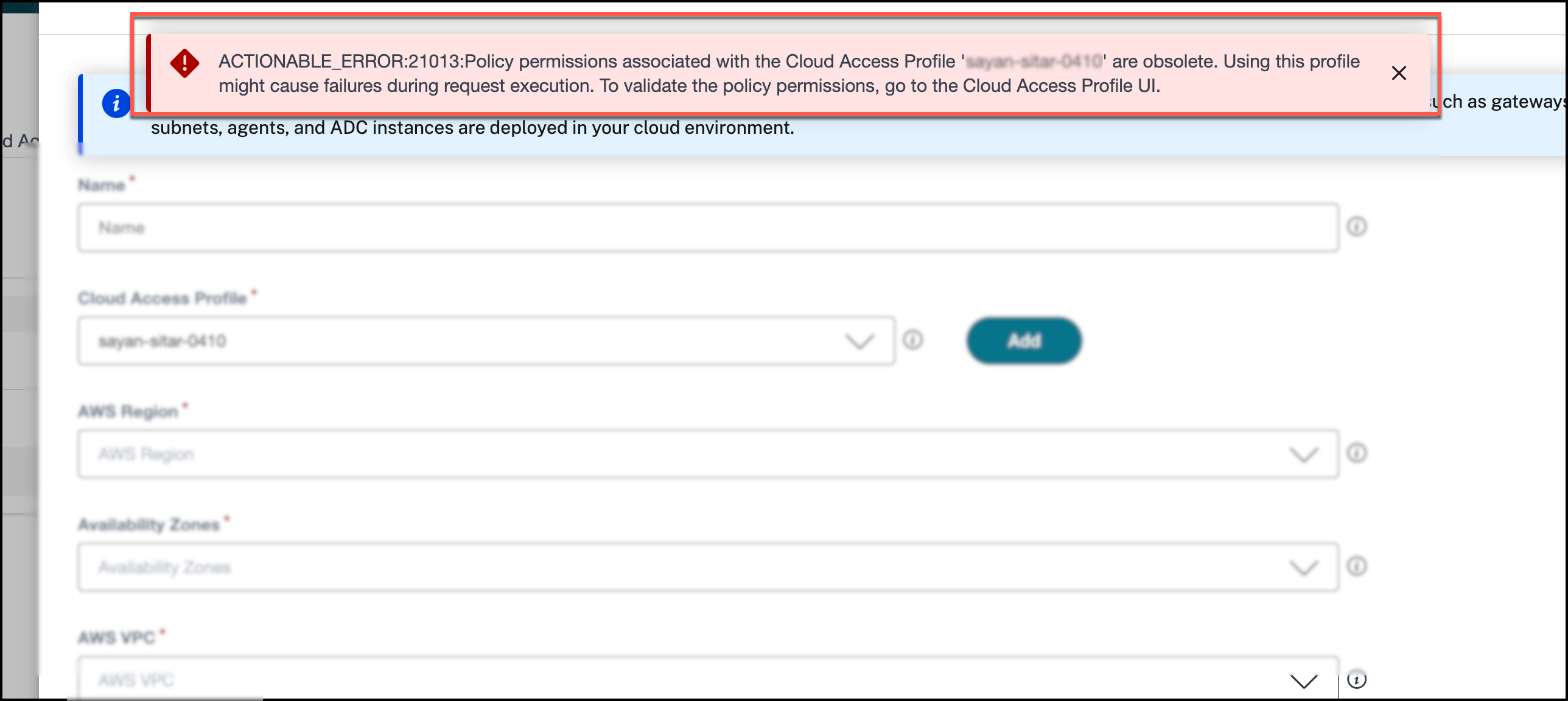
Error: During AWS environment creation, the following error message is displayed:
Policy permissions associated with the Cloud Access Profile are obsolete.
Cause: The existing cloud access profile that connects to AWS does not have all the latest role permissions.
Solution: Synchronize your cloud access profile with the latest role permissions. Navigate to NetScaler® Managed Apps > App Environments > Cloud Access Profile. Click the gear icon for the required cloud access profile. Follow the instructions provided on the GUI and click Validate.
VPC is already used in another environment
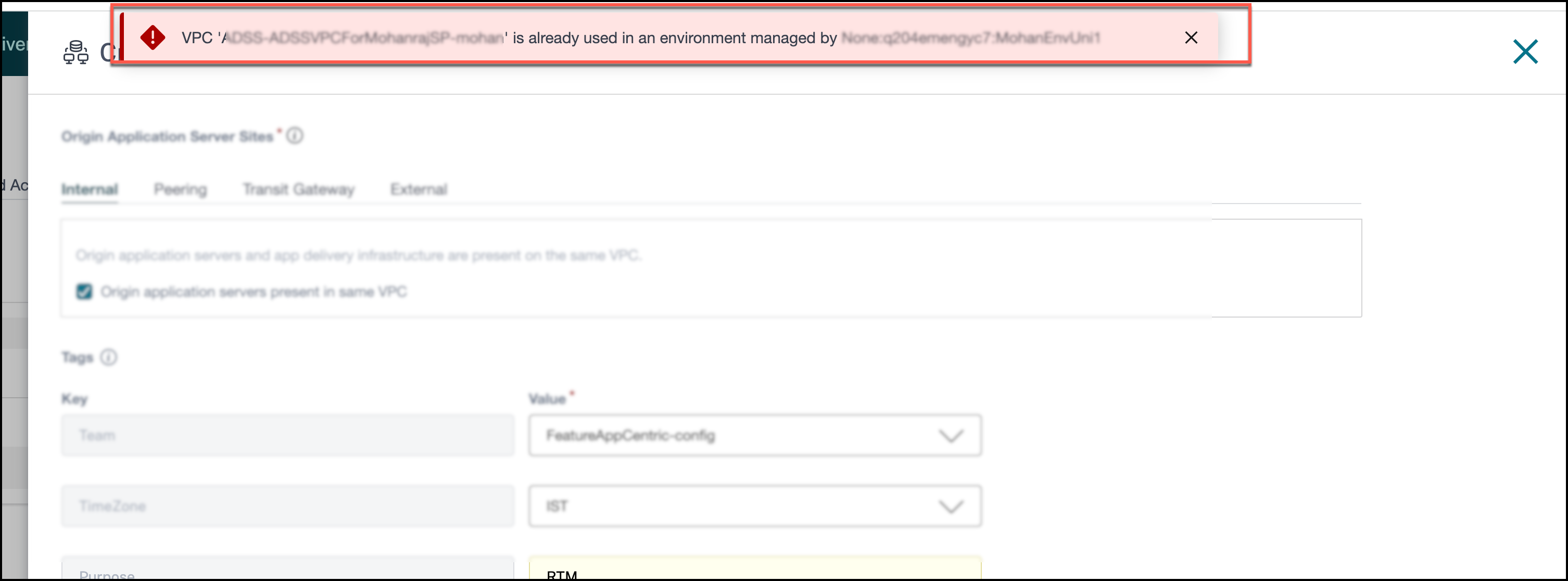
Error: During Azure environment creation, the following error message is displayed:
VPC xxx already used in an environment managed by xxx.
Cause: One VPC can be associated with only one environment. The VPC that is used to create an environment is already used by another environment.
Solution: Make sure that no other existing environment uses the same VPC. Undeploy the environment that is using the VPC and also delete the environment. For detailed information on how to undeploy an environment, see Undeploy an environment.
Subnet is not associated with any route table
Error: During AWS environment deployment, the following error message is displayed:
The subnet XXXX is not explicitly associated with any route table. Unable to validate the communication with origin application server sites.
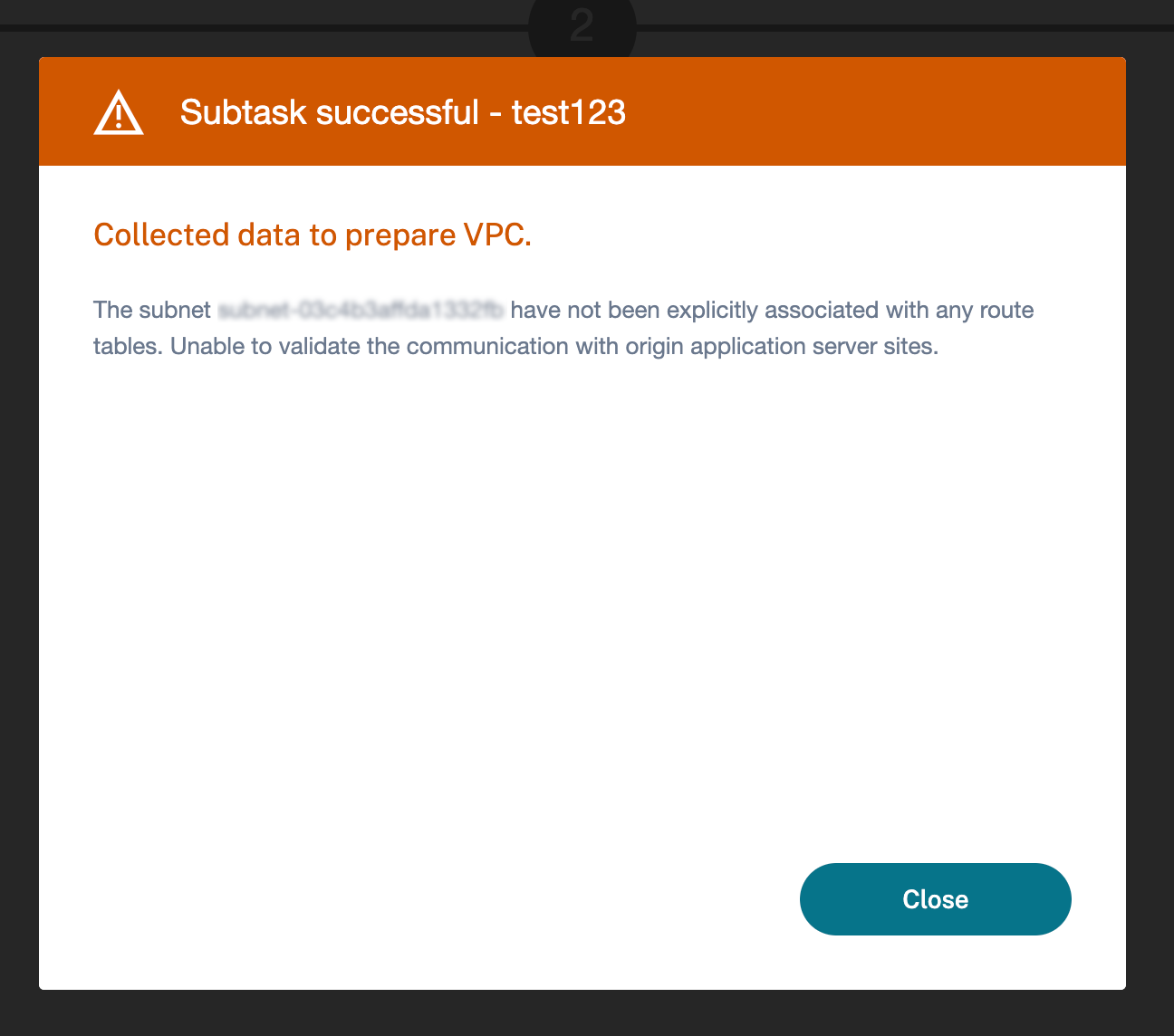
Cause: The virtual subnet of the origin application server is not associated with any route table.
Solution: Associate the virtual subnet of the origin application server with a route table.