
Create a support ticket for the VPX instance on Azure
If you're experiencing issues with your NetScaler VPX instance on Azure, for troubleshooting, you can create a support ticket in the NetScaler support portal.
To file a support ticket, make sure the following:
-
Your network is connected.
-
You have your Azure account number, the support PIN code of the NetScaler® subscription-based offering that you have deployed on Azure, and the Azure serial log handy.
-
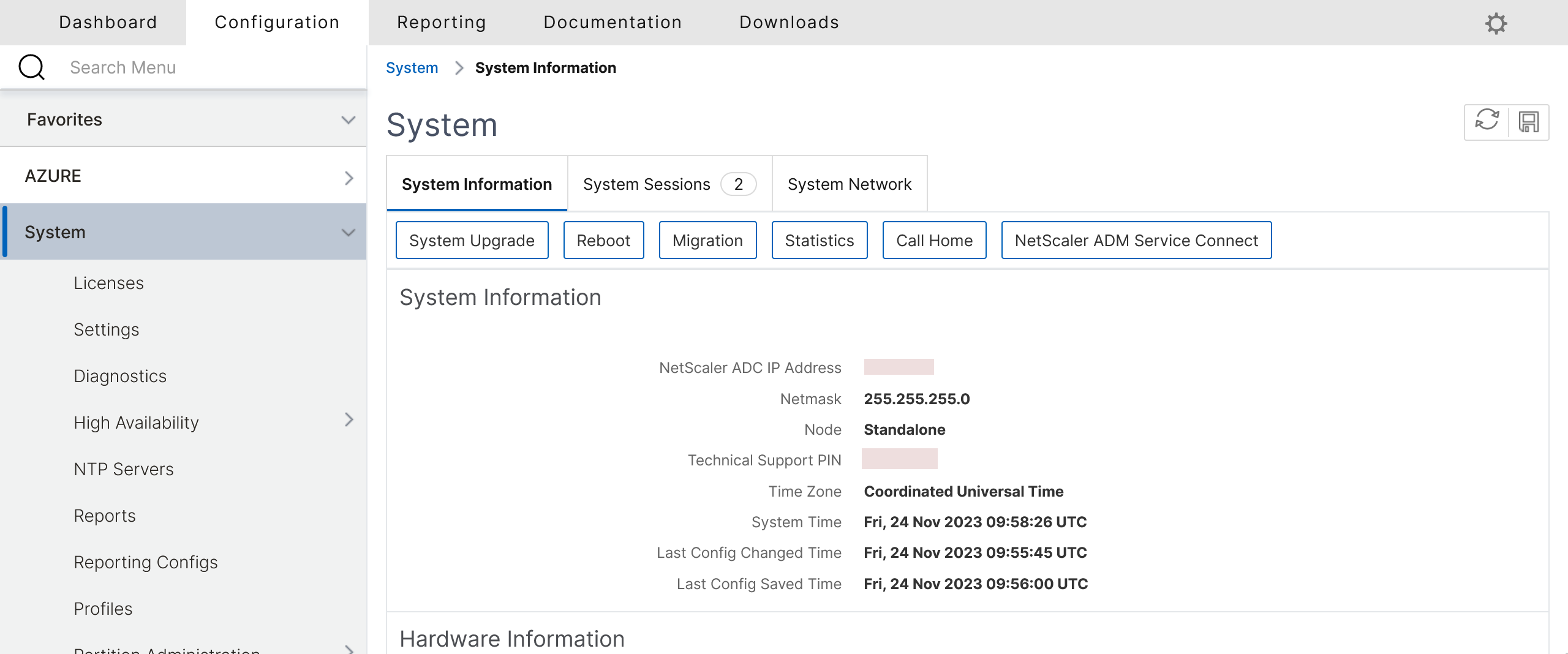
You can find the support PIN code on the Systems page in the VPX GUI.
-
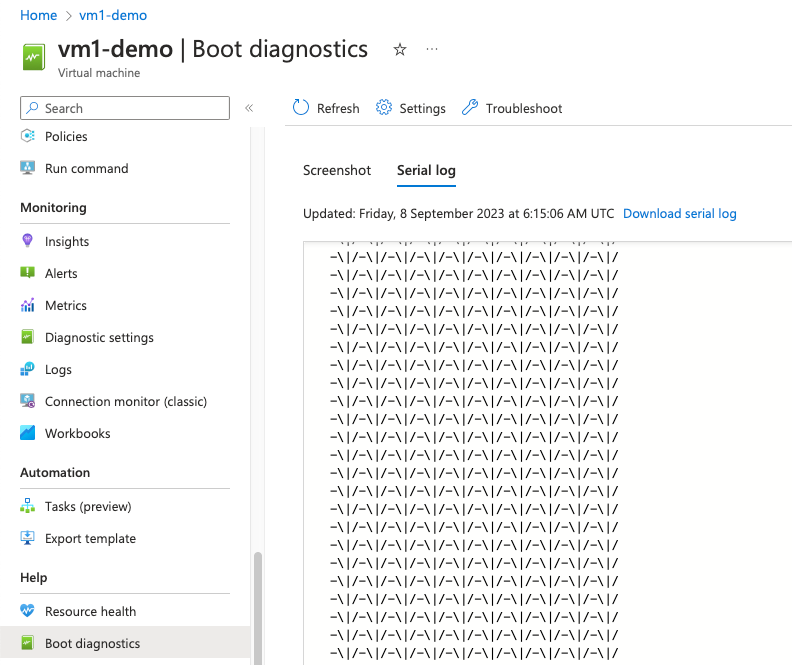
You can find the serial log in the Azure portal (Boot diagnostics section of your VM).
-
Once you have all the information ready, call NetScaler support. You're asked to provide your name and email address.