Configure Citrix Endpoint Management {{page.citrix-adc-generic}} Connector (XNC) ActiveSync Filtering
The Citrix Endpoint Management {{page.citrix-adc-generic}} Connector (XNC) provides a device level authorization service of ActiveSync clients to {{page.citrix-adc-generic}} which acts as a reverse proxy for the Exchange ActiveSync protocol. The combination of policies defined within Citrix Endpoint Management and rules defined locally by the XNC control the authorization.
-
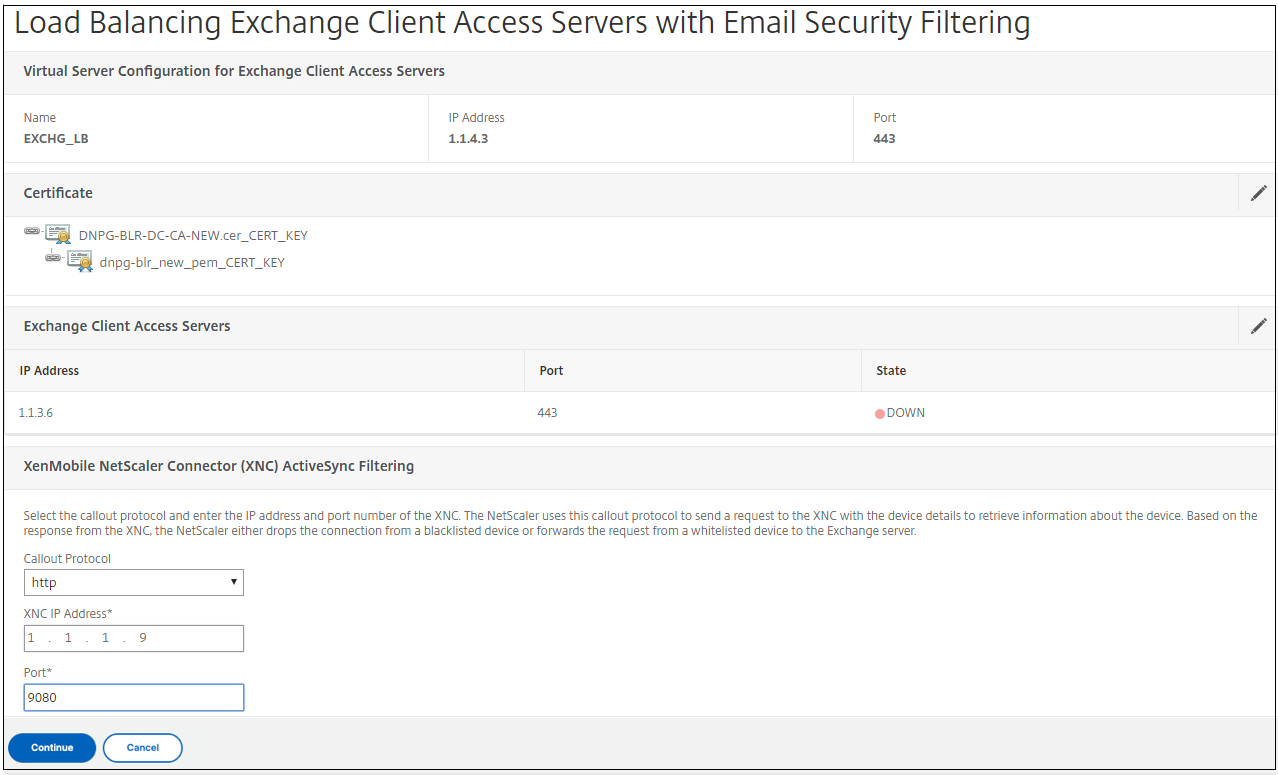
Under Citrix Endpoint Management {{page.citrix-adc-generic}} Connector (XNC) ActiveSync Filtering, for Callout Protocol, select http or https.
-
In XNC IP Address, type the IP address of the Citrix Endpoint Management {{page.citrix-adc-generic}} Connector.
-
In Port, type 9080 for HTTP network traffic or 9443 for HTTPS network traffic, and then click Continue.
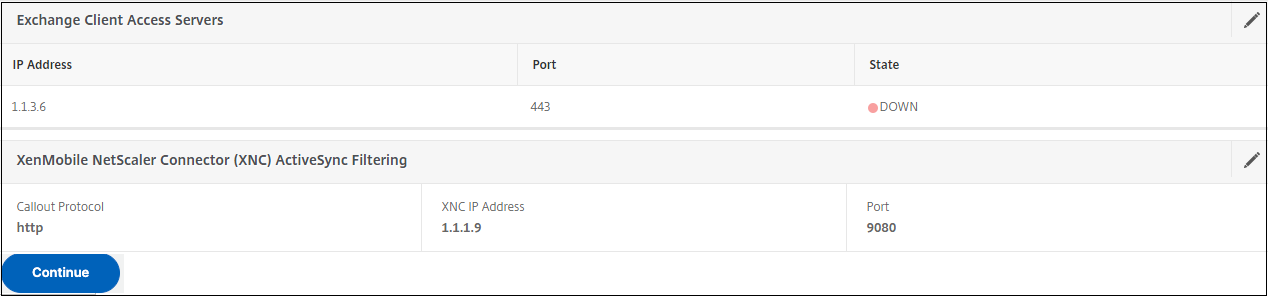
 Your configuration appears.