
Assign a host name to a NetScaler® ADM server
To identify a NetScaler Application Delivery Management (ADM) server, you can assign the server a host name. The host name is displayed on the Universal license for NetScaler ADM.
To assign a host name to a NetScaler ADM server:
-
In NetScaler ADM, navigate to System \> System Administration.
-
Under System Settings, click Change Hostname.
-
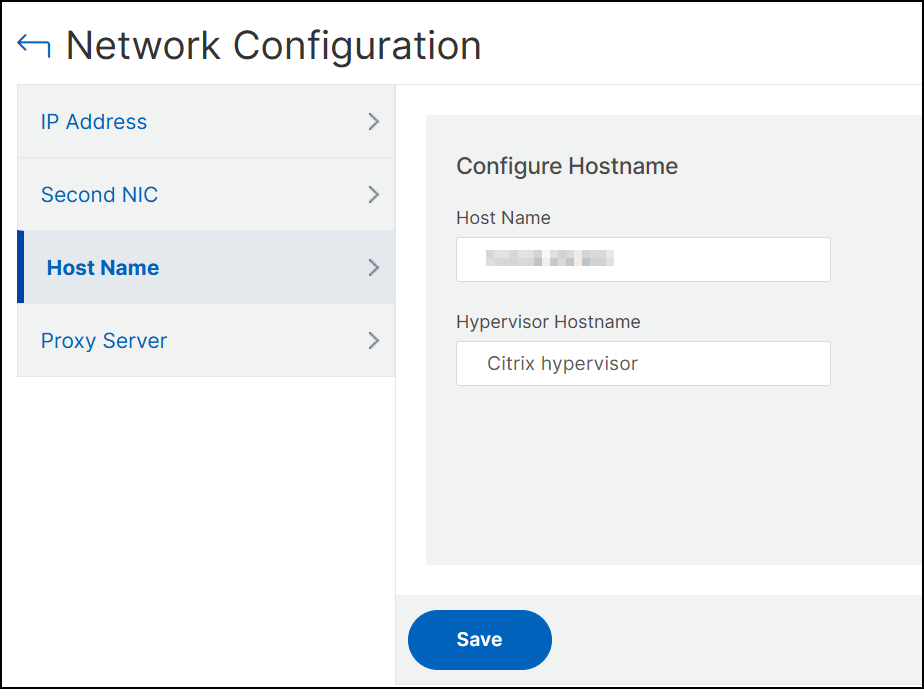
On the Configure Hostname page, enter a host name and click OK.
 NoteYou can also use the
networkconfigcommand in your hypervisor and change the host name.