How to create a URL categorization policy
As a network administrator, you might want to block specific categories of websites for user access. To do so, create a URL Categorization policy and binding the policy with a pre-defined list of categories that you want to restrict access.
For example, you might want to restrict access to all social networking websites as per organizational policies. In such a scenario, you must create a categorization policy and bind the policy to the pre-defined list of social networking category websites.
To create a URL categorization policy by using a basic method:
-
Navigate to SSL Forward Proxy > URL Filtering > URL Categorization.
-
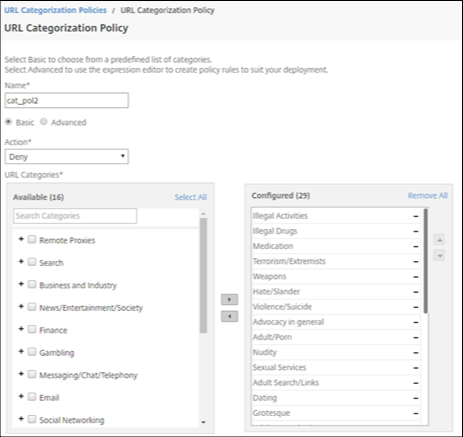
In the details pane, click Add to access the URL Categorization Policy page and specify the following parameters.
-
URL Categorization Policy. Name of the responder policy.
-
Basic. Select Configure using a predefined list of categories.
-
Action. An action to control access to the URL.
-
URL Categories. A predefined list of categories to select and add it to a configured list.
-
-
Click Create and Close.
To create a URL categorization policy by using an advanced method:
-
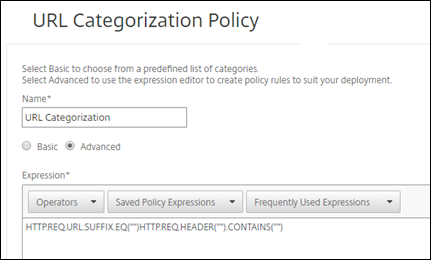
To configure a new URL Categorization policy using advanced categorization.
-
Click Add.
-
In the URL Categorization Policy page, specify the following parameters.
-
URL Categorization Policy. Name of the responder policy.
-
Advanced. Configure policy using custom expressions.
-
-
Click Create and Close.