
Deploy NetScaler Operator
Perform the following steps:
-
Log in to the OpenShift cluster console.
-
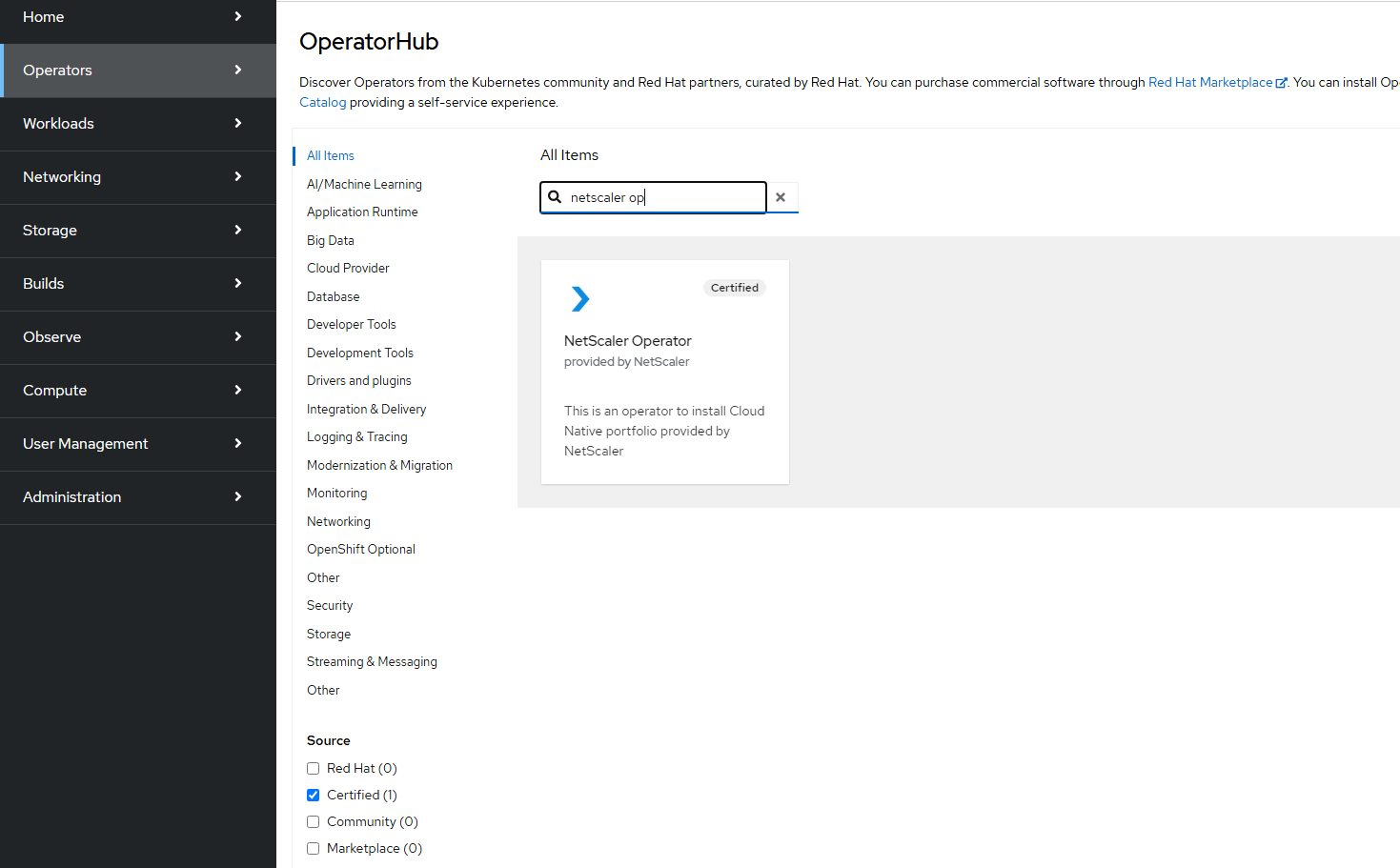
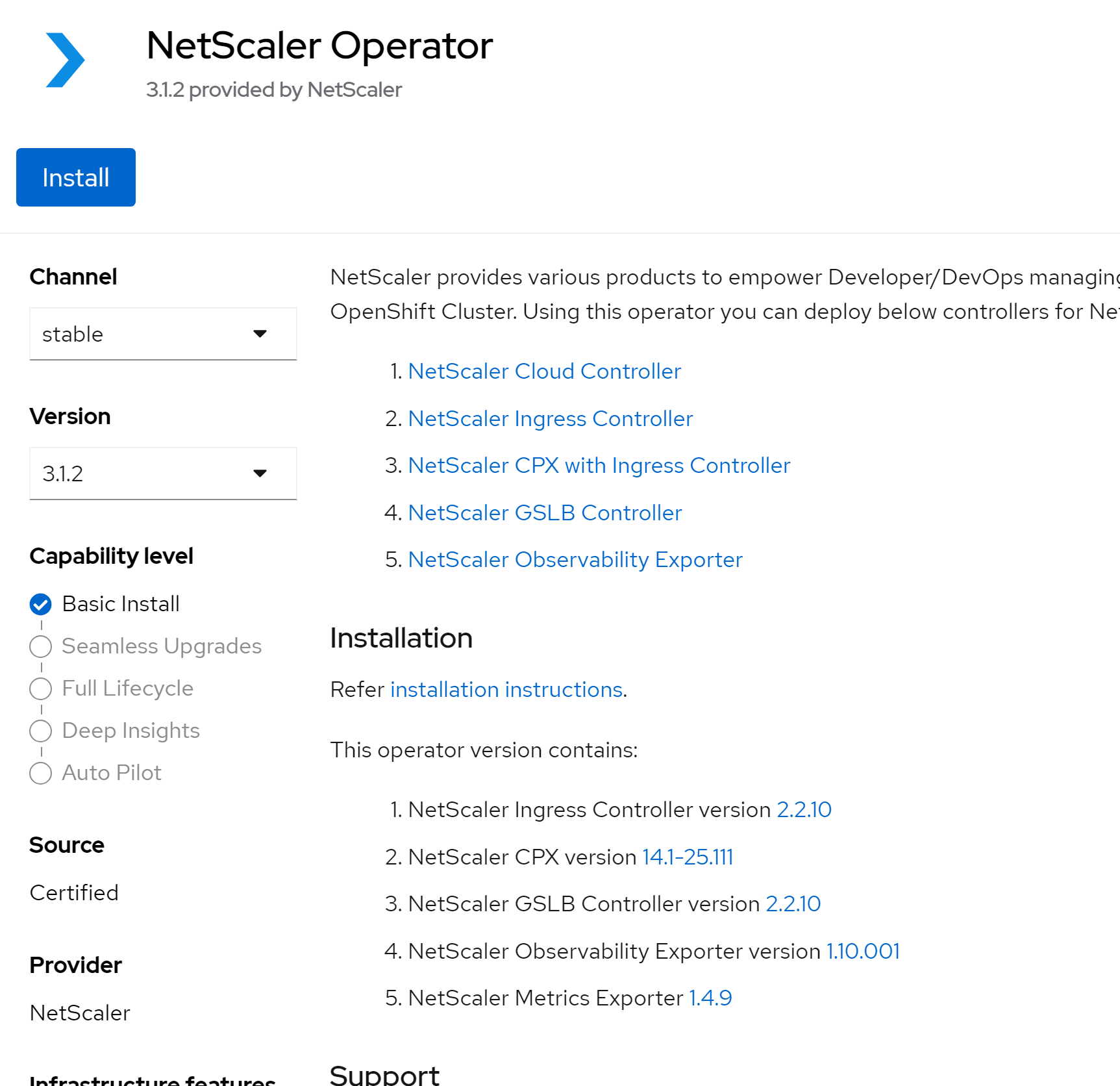
Navigate to Operators > OperatorHub, select Certified source in the left panel, select NetScaler® Operator, and then click Install.
-
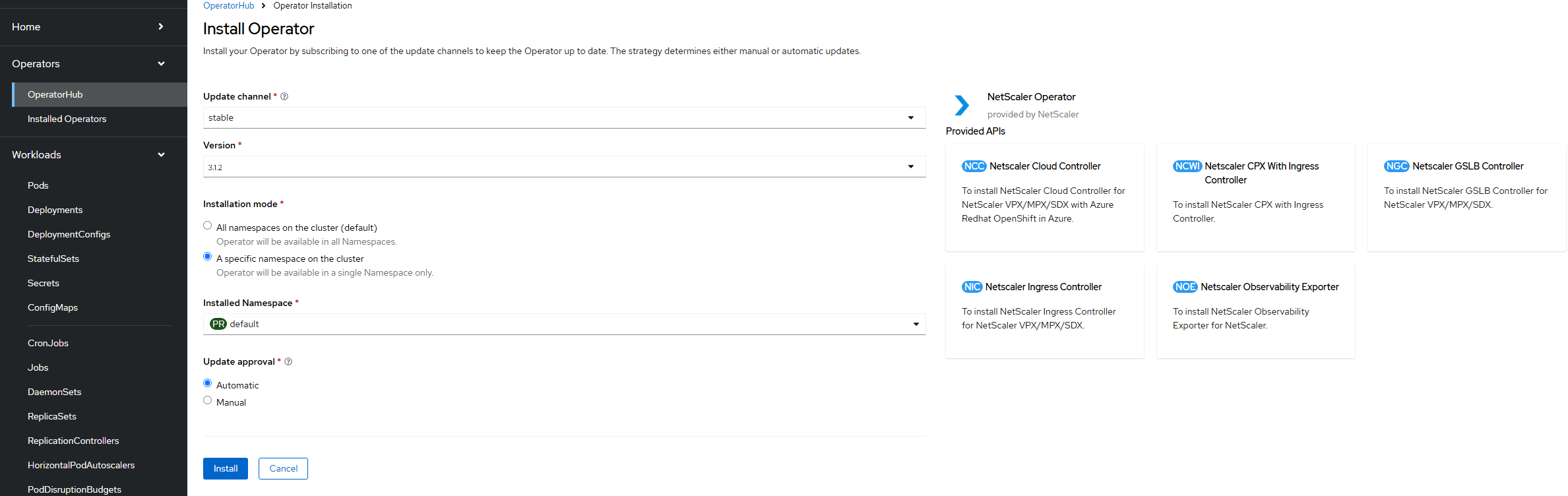
To subscribe to NetScaler Operator, select one of the following options:
-
All namespaces on the cluster (default): NetScaler Operator is available in all the namespaces on the OpenShift cluster. Hence, this option enables you to initiate the NetScaler instance from any namespace on the cluster.
-
A specific namespace on the cluster: NetScaler Operator is available in the selected namespace on the OpenShift cluster. Hence, this option enables you to initiate the NetScaler Operator instance on the selected namespace only.
-
-
In this case, let's select A specific namespace on the cluster and then Click Install.
 Wait until NetScaler Operator is subscribed successfully.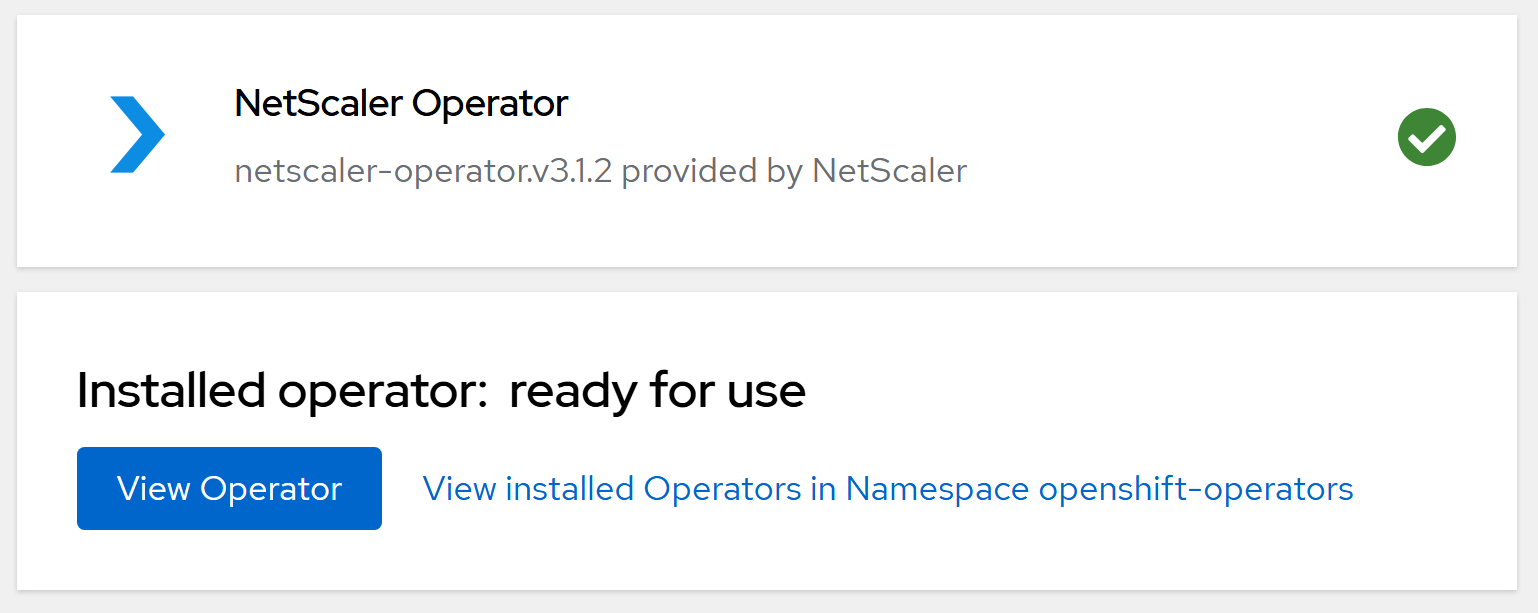
-
(Optional) To deploy NetScaler Operator in all the namespaces, ensure
All namespaces on the cluster (default)is selected as the installation mode andopenshift-operatorsis selected as the installed namespace, and then click Install.Note:Before deploying NetScaler Operator in all the namespaces, ensure to delete any existing NetScaler Operator instances in all the namespaces.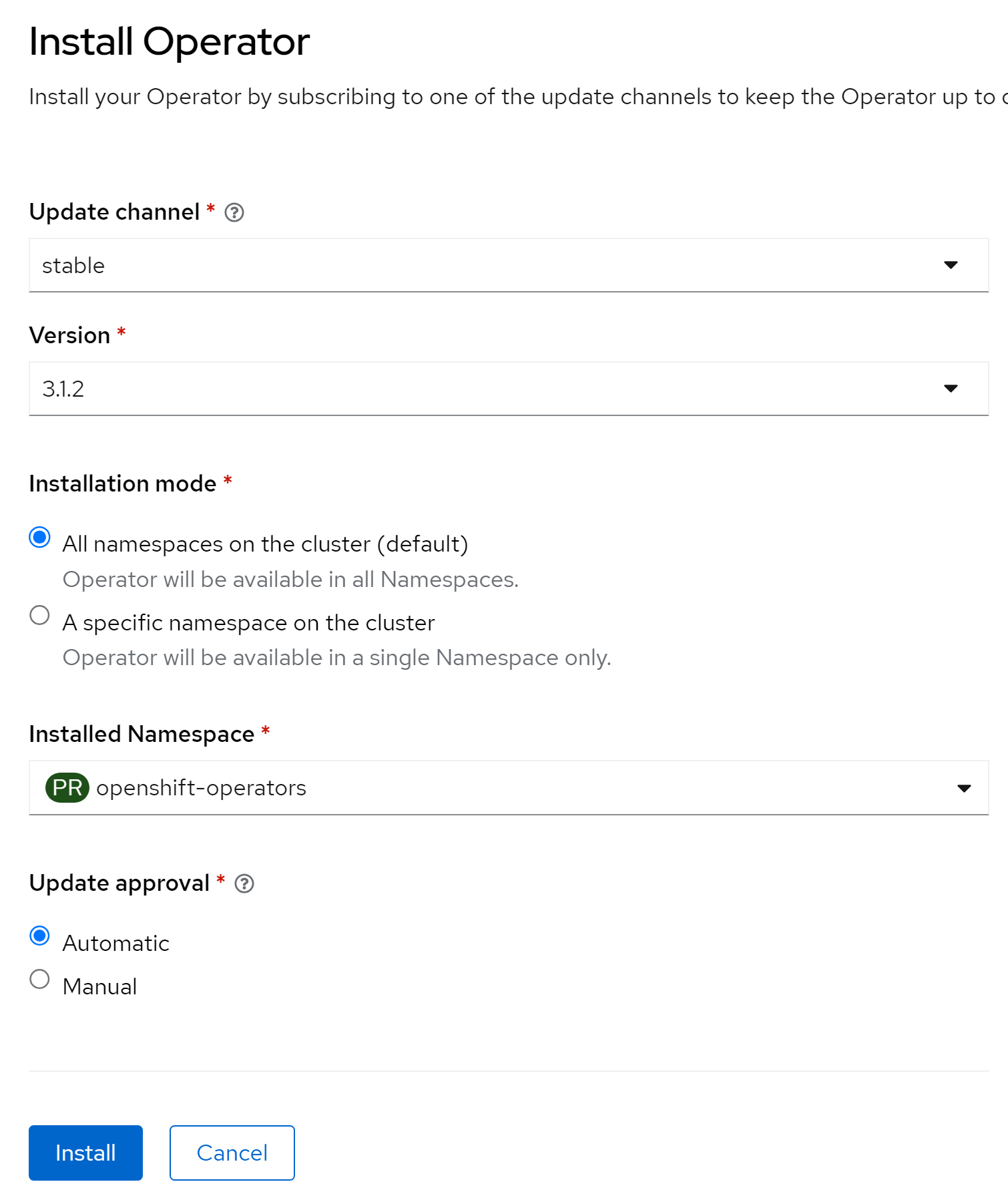 Wait until NetScaler Operator is subscribed successfully.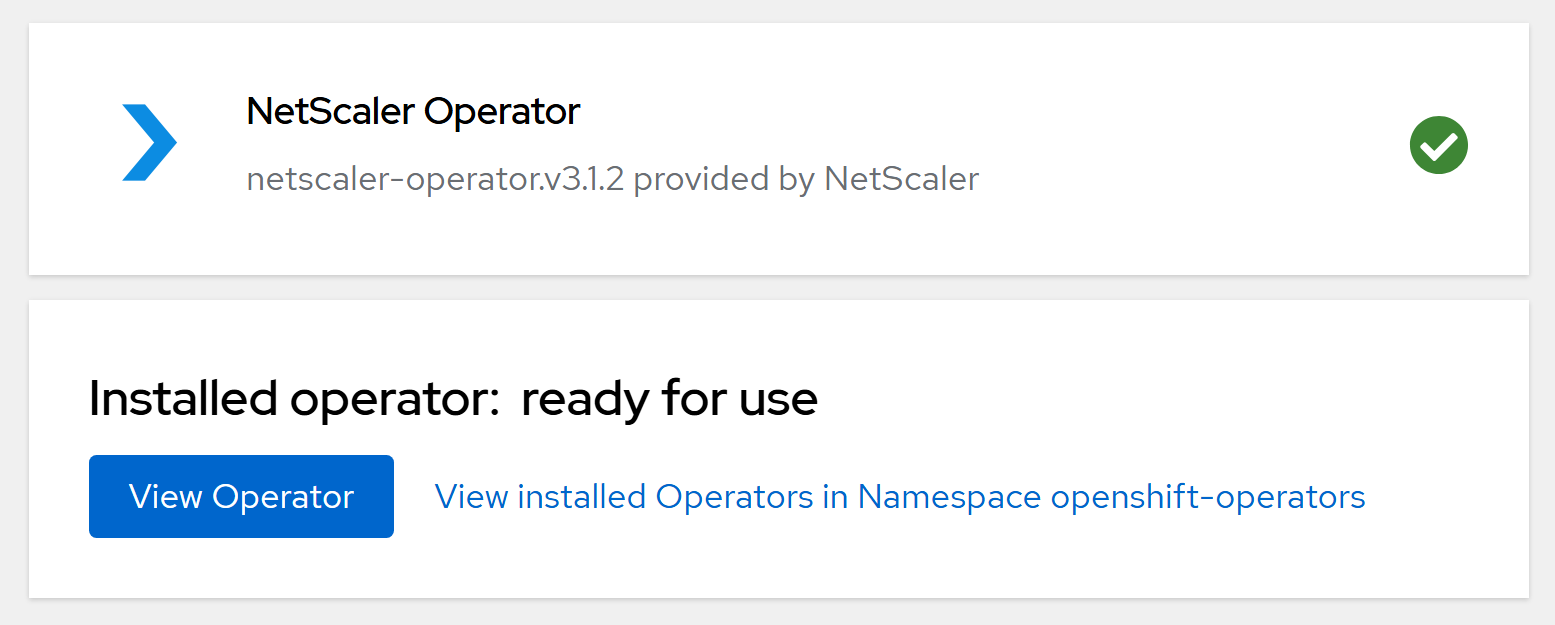
-
Navigate to Workloads > Pods section and verify that the netscaler-Operator-controller-manager pod is up and running.

You can deploy the following controllers using NetScaler Operator: