Clear a stream session
You can flush all the records that have been accumulated for a stream identifier.
To clear a stream session by using the command line interface
At the command prompt, enter the following commands to clear a stream session and verify the results:
-
clear stream session
-
stat stream identifier
Example
This example uses the stat stream identifier command first, so that a comparison can be made with the stat stream identifier command that is used for verifying the result of the clear stream session command.
>stat stream identifier myidentifier
 Stream Session statistics
                  Req    BandW  RspTime     Conn
 /aed....html       2        0        0        0
 /                636      303       12        0
  Done
 >clear stream session myidentifier
  Done
 >stat stream identifier myidentifier
  Done
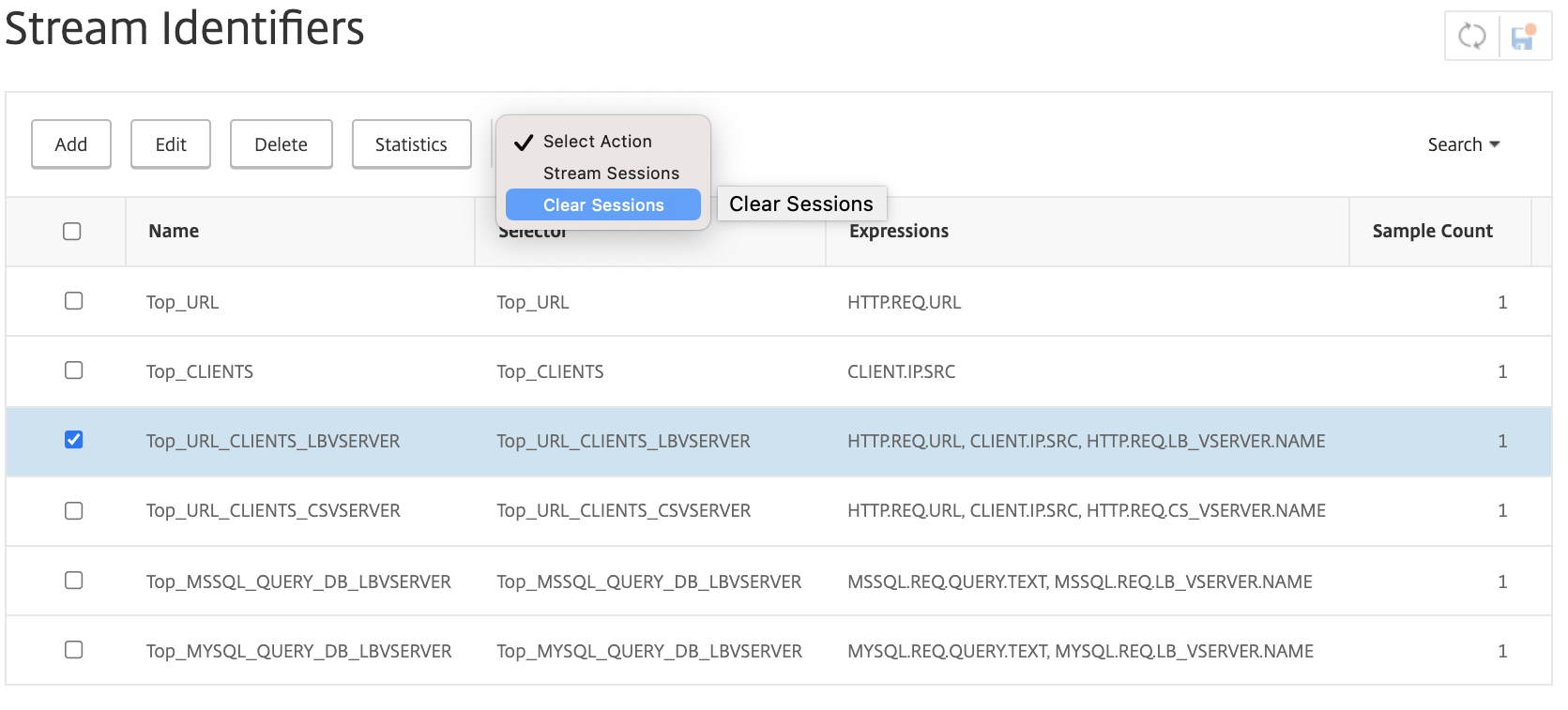
To clear a stream session by using the GUI
-
Navigate to AppExpert > Action Analytics > Stream Identifiers.
-
Select the stream identifier whose sessions you want to clear, and then click Clear Sessions.